Do I need to know how to code?+
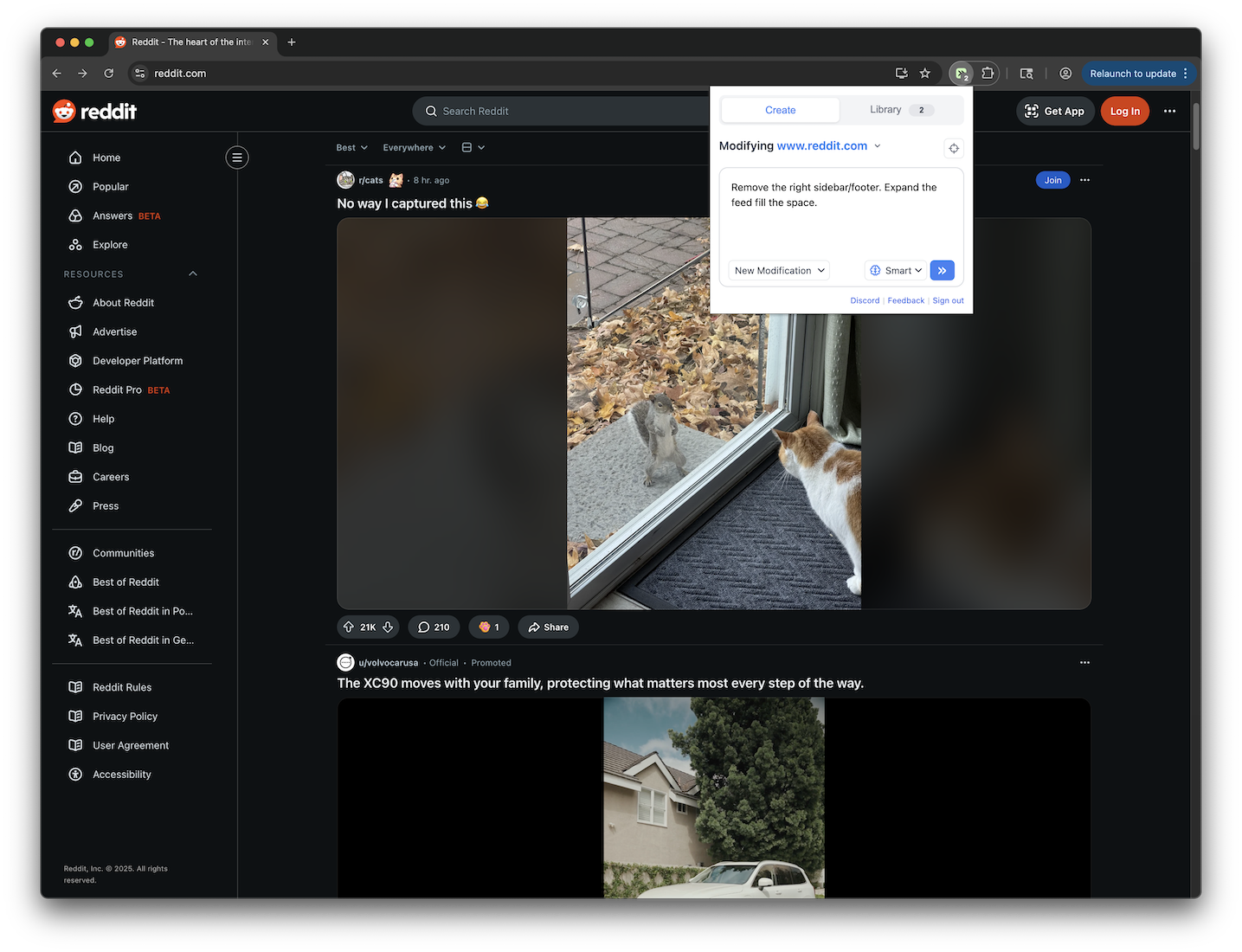
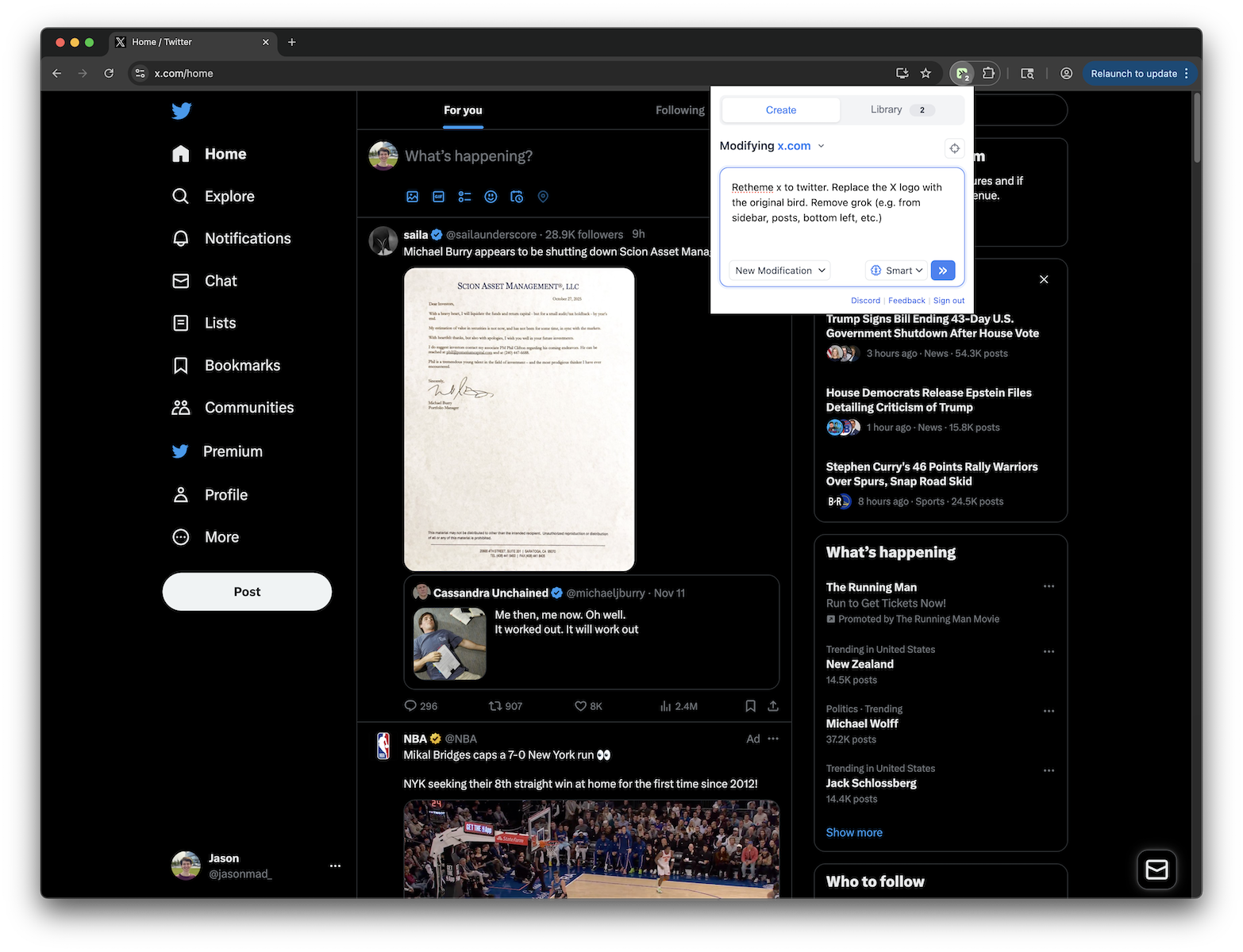
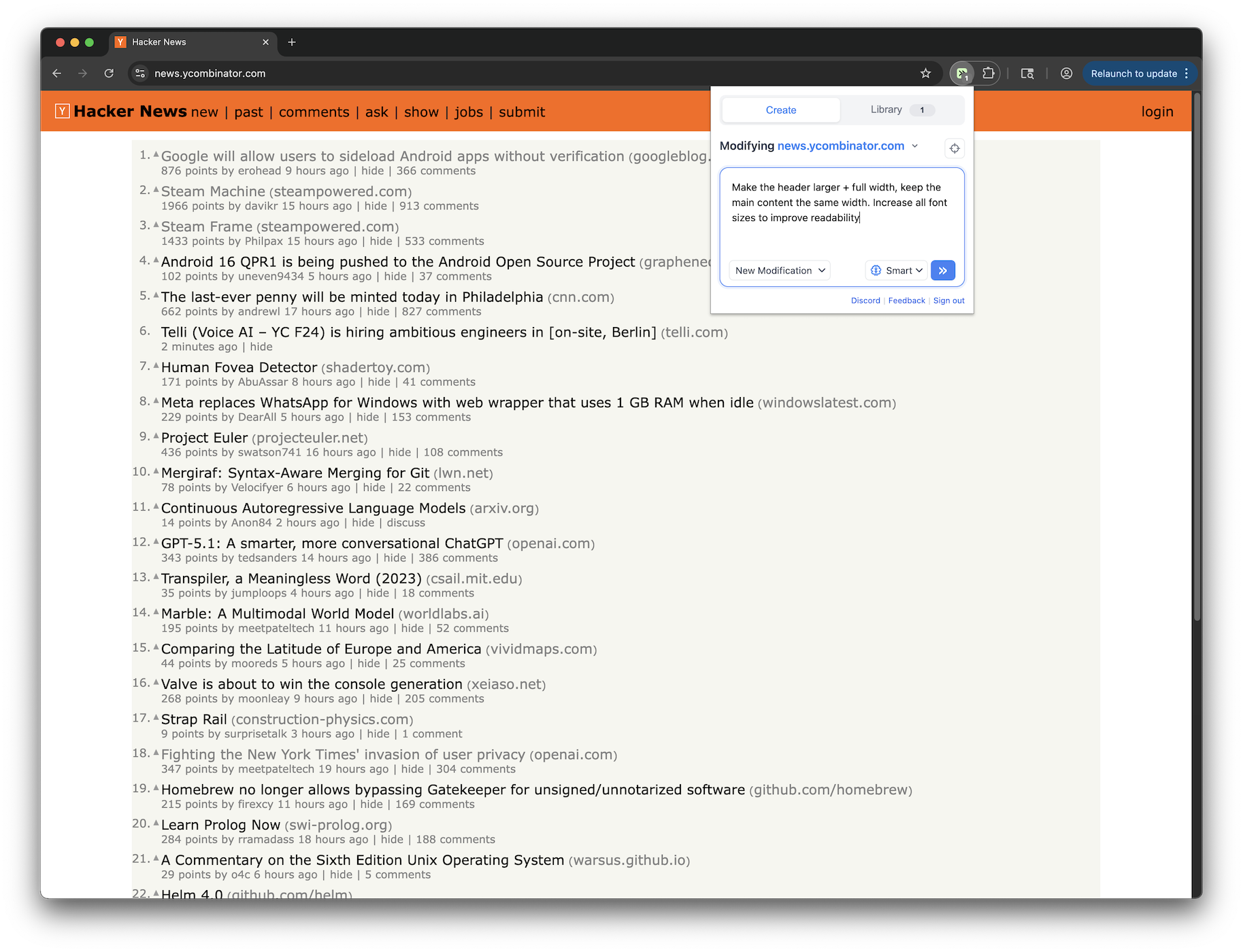
No. Tweeks is built so you can customize websites without writing code. You can install community tweeks with one click, and you can create your own by describing what you want in plain English.
How do browser modifications work?+
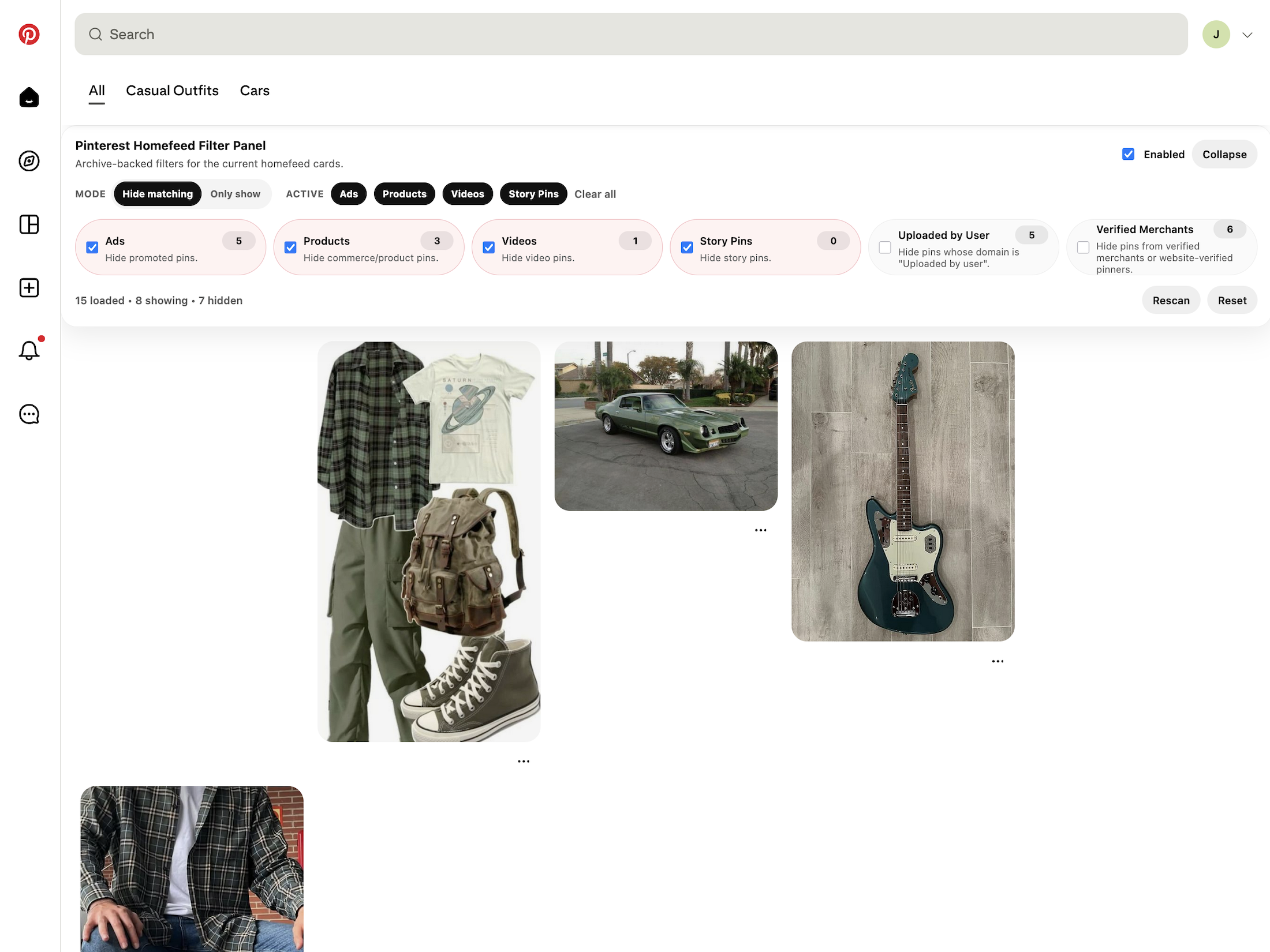
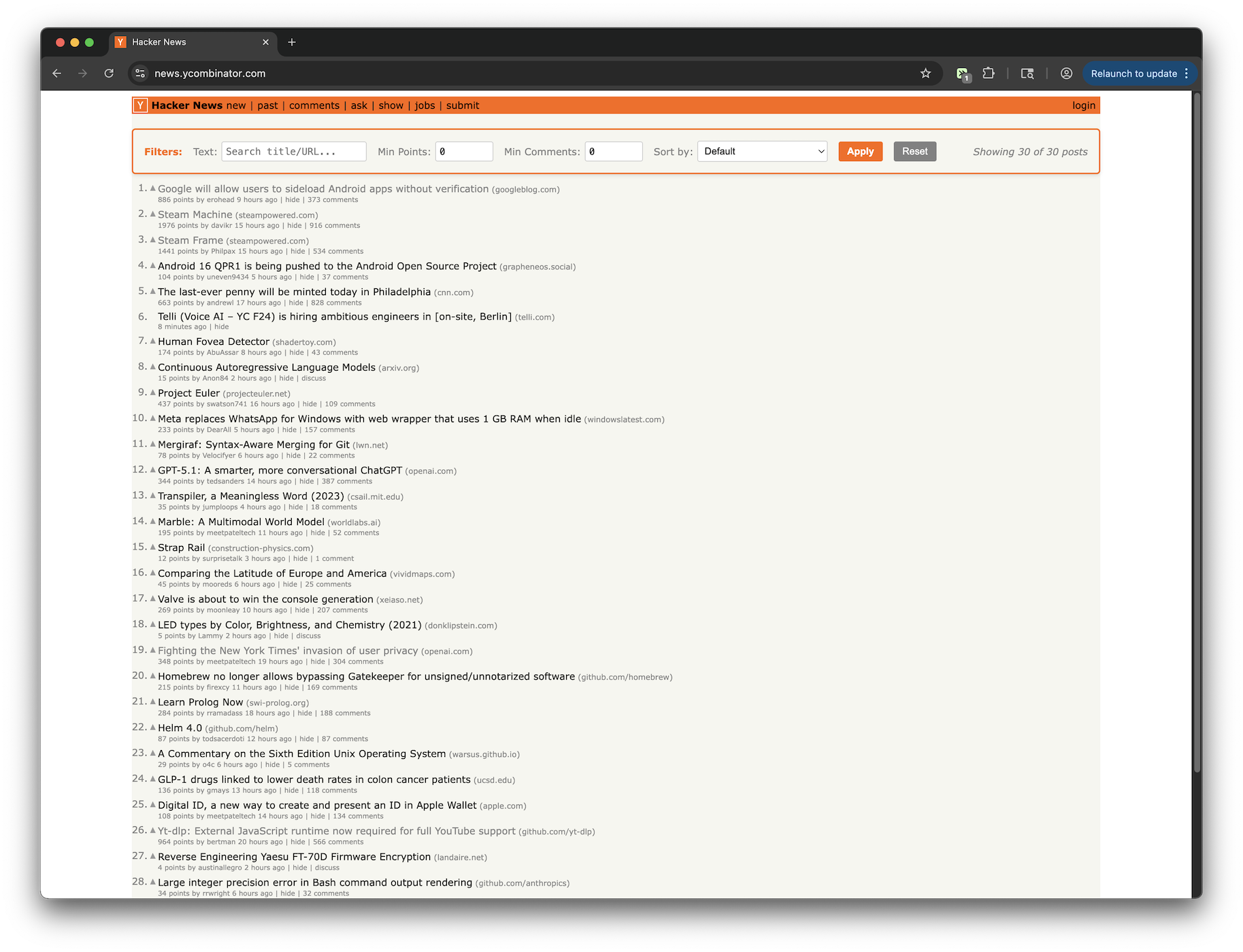
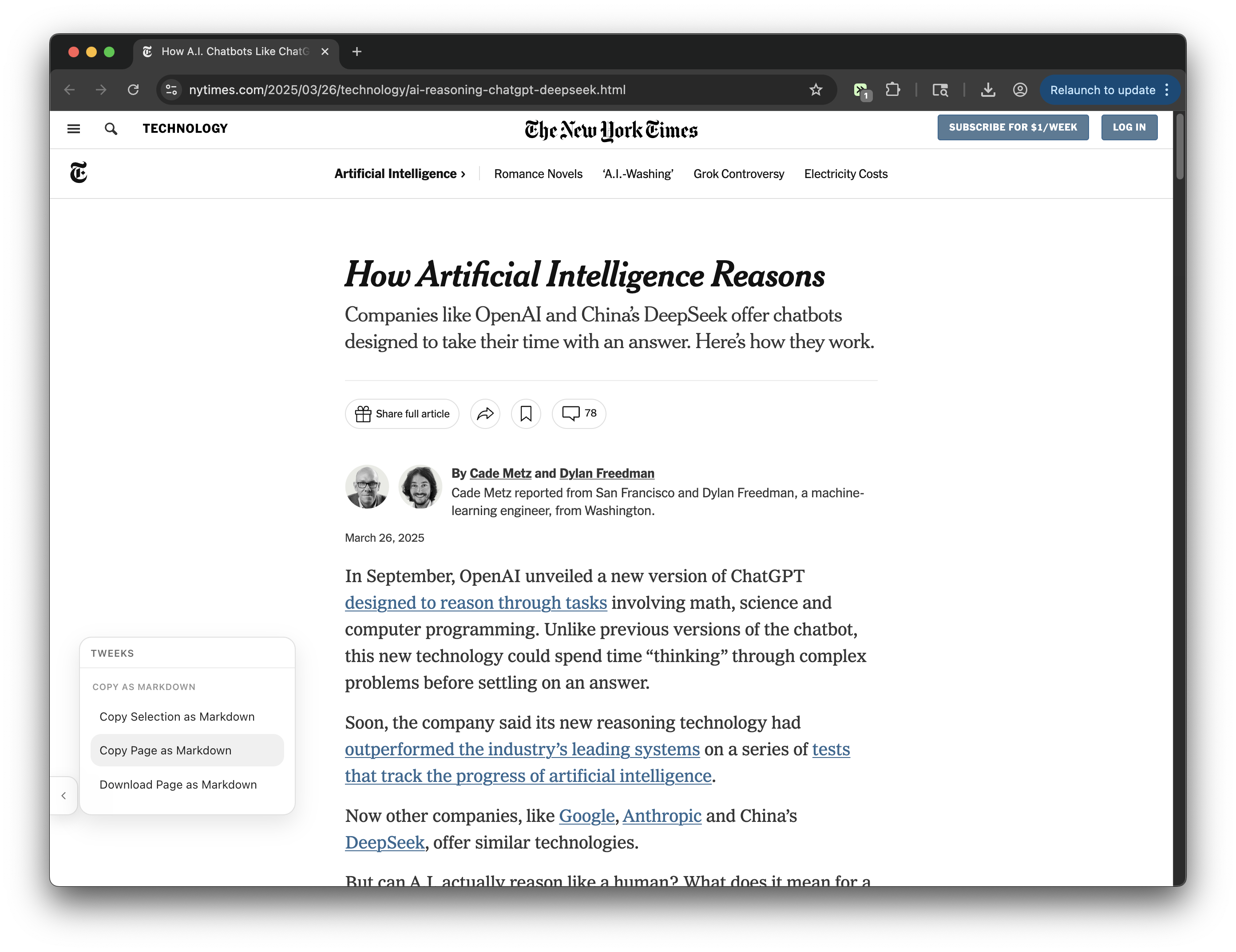
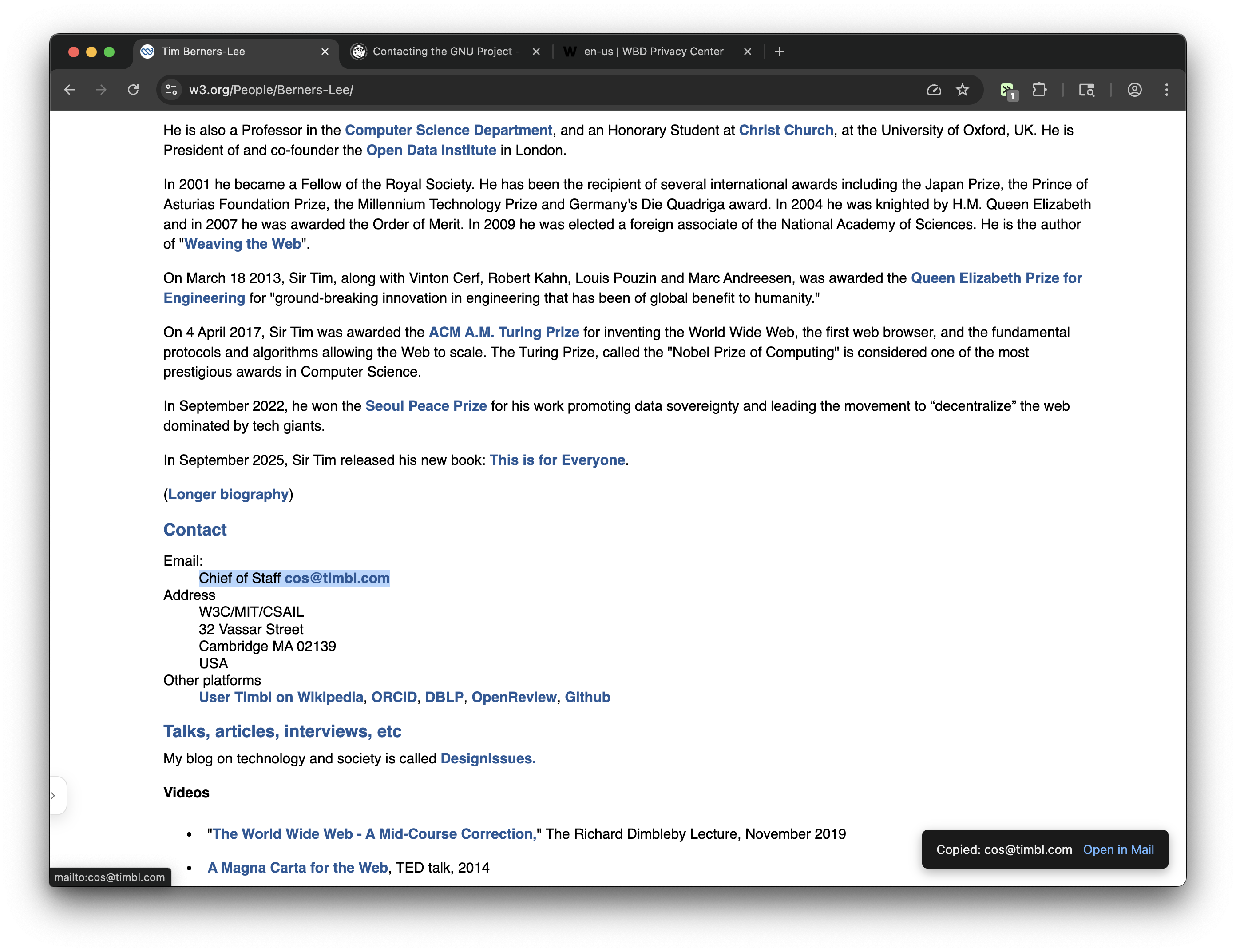
Tweeks injects small scripts (called userscripts) into web pages as you browse. These scripts can modify the page's appearance, add new features, or change how elements behave. Each modification runs in a secure sandbox and only affects the specific sites you choose. Changes persist across page reloads and browser sessions.
What websites can I modify with Tweeks?+
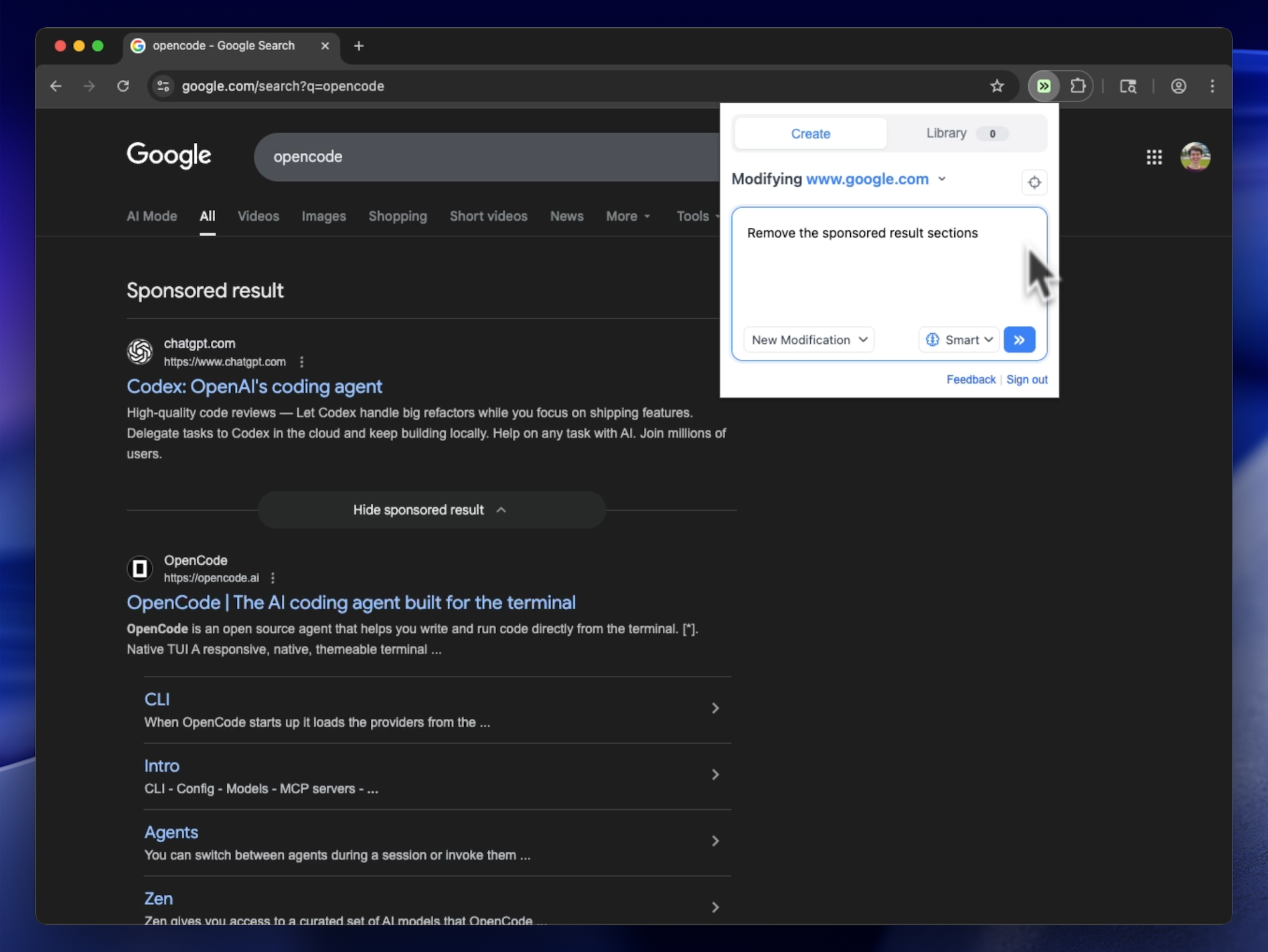
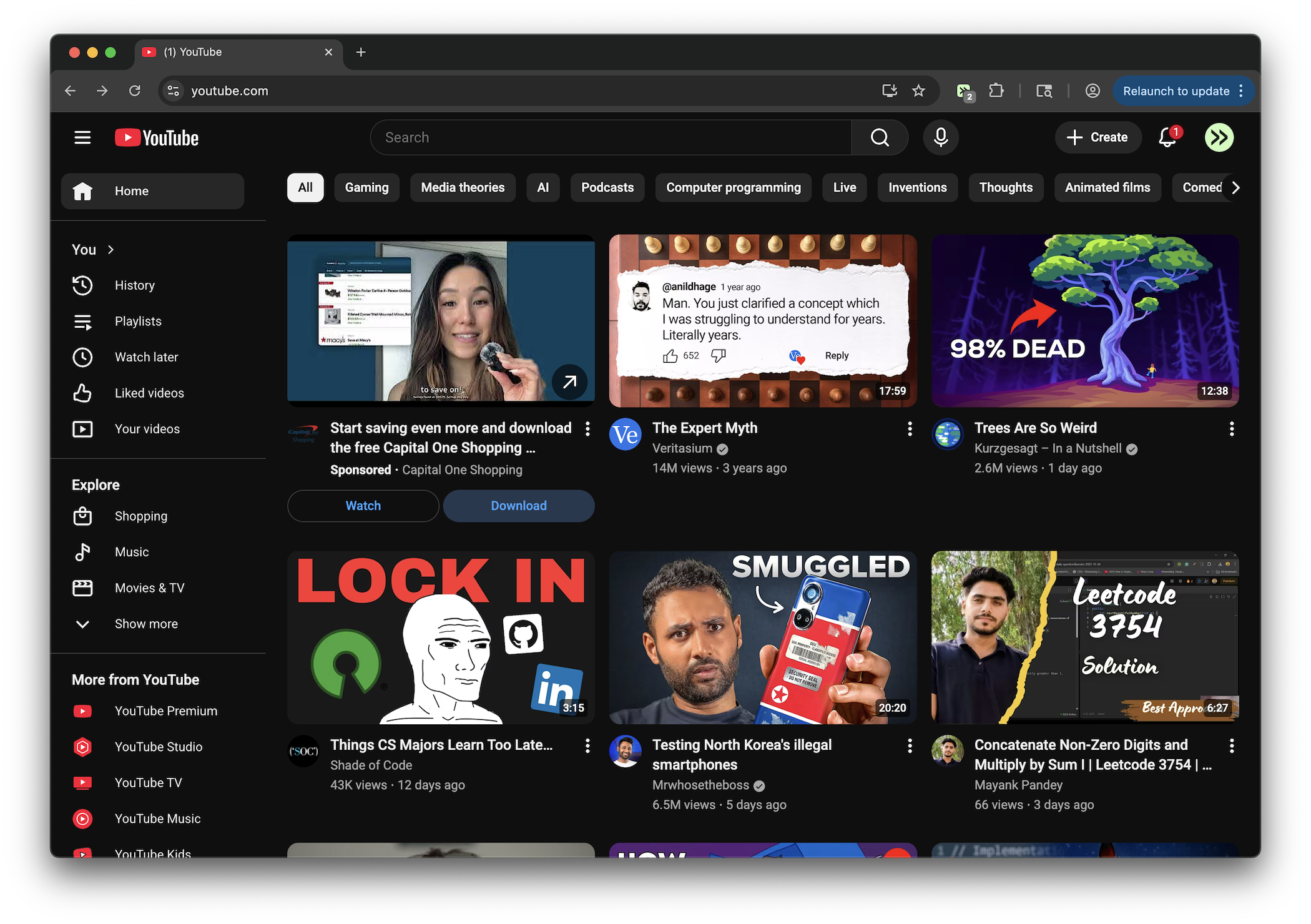
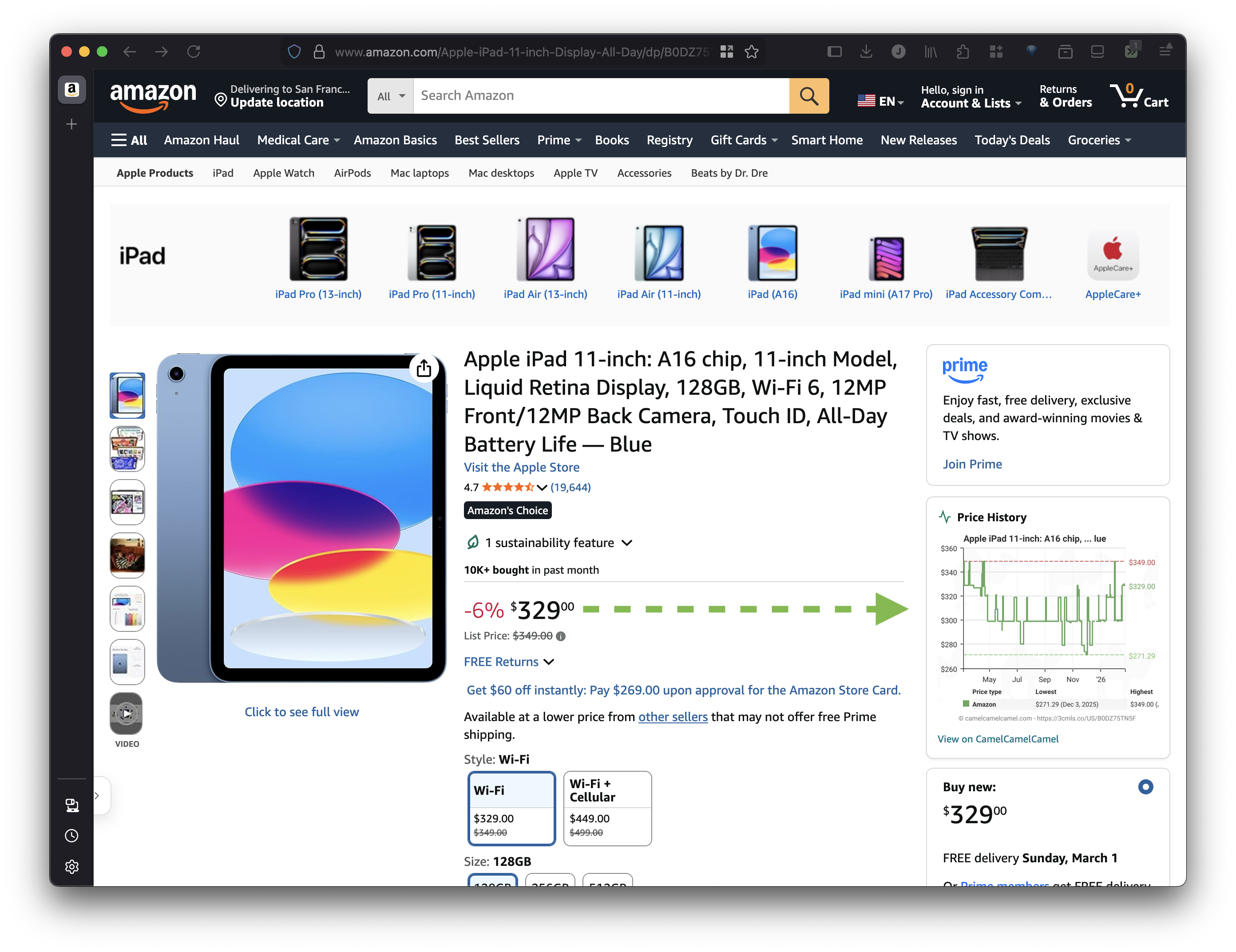
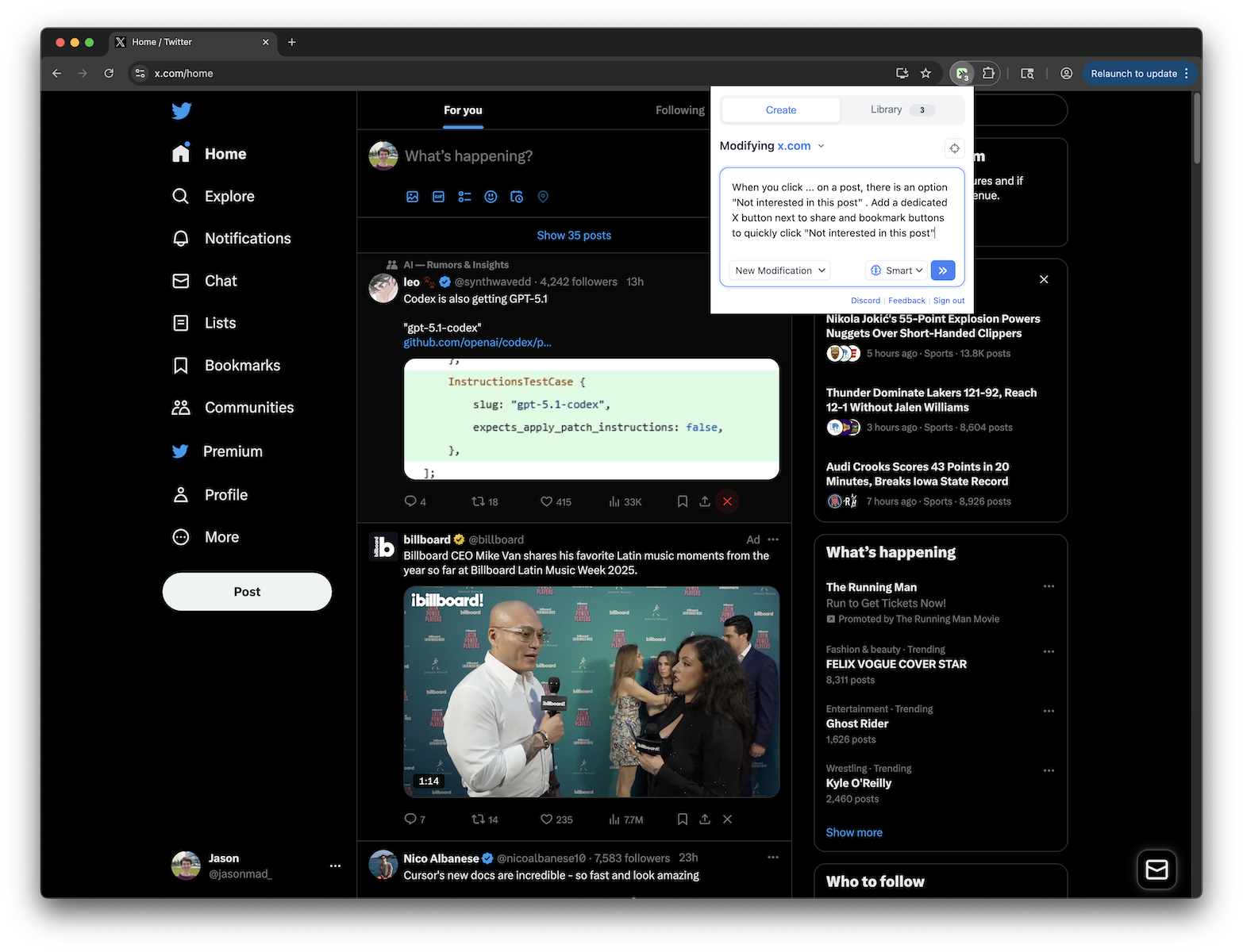
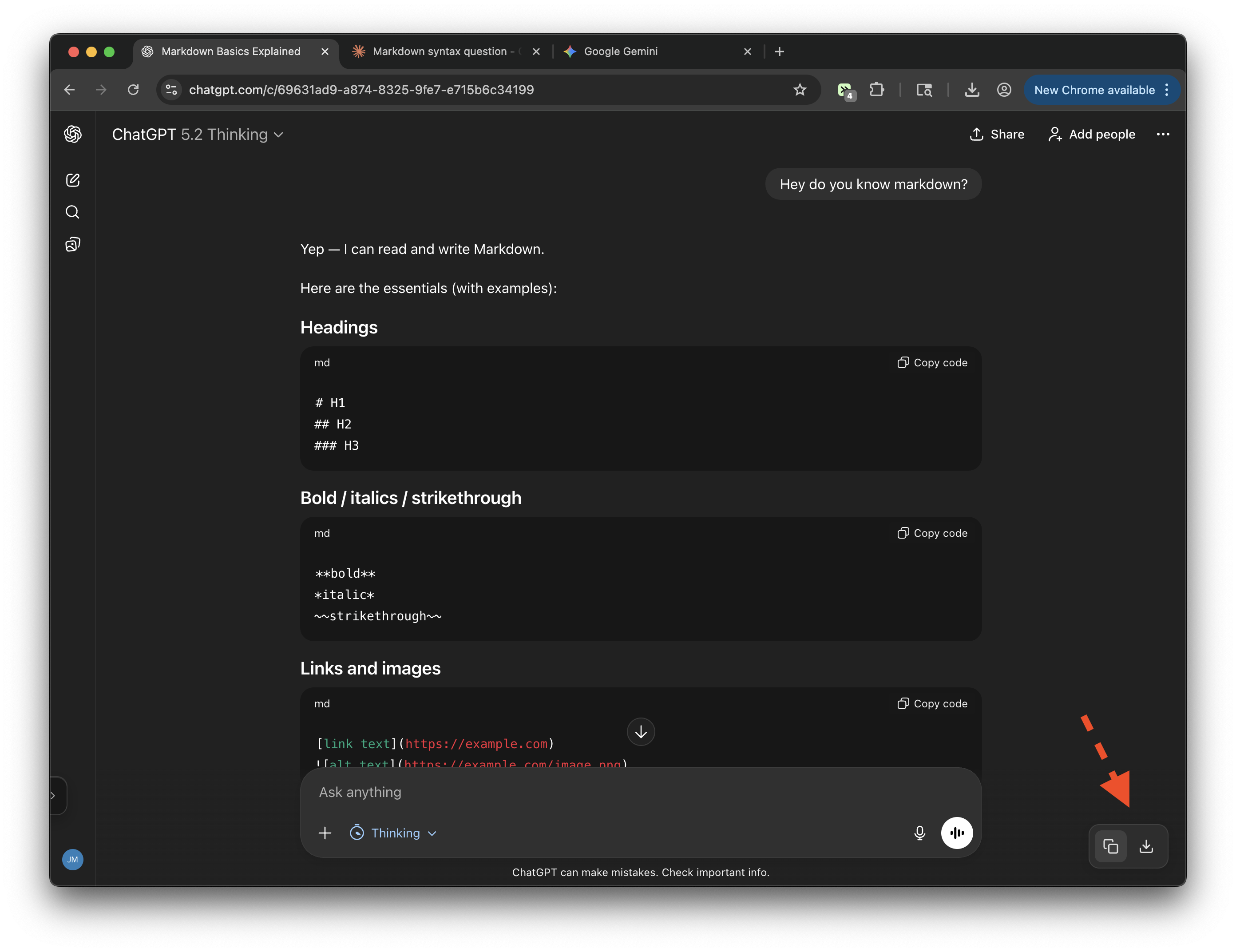
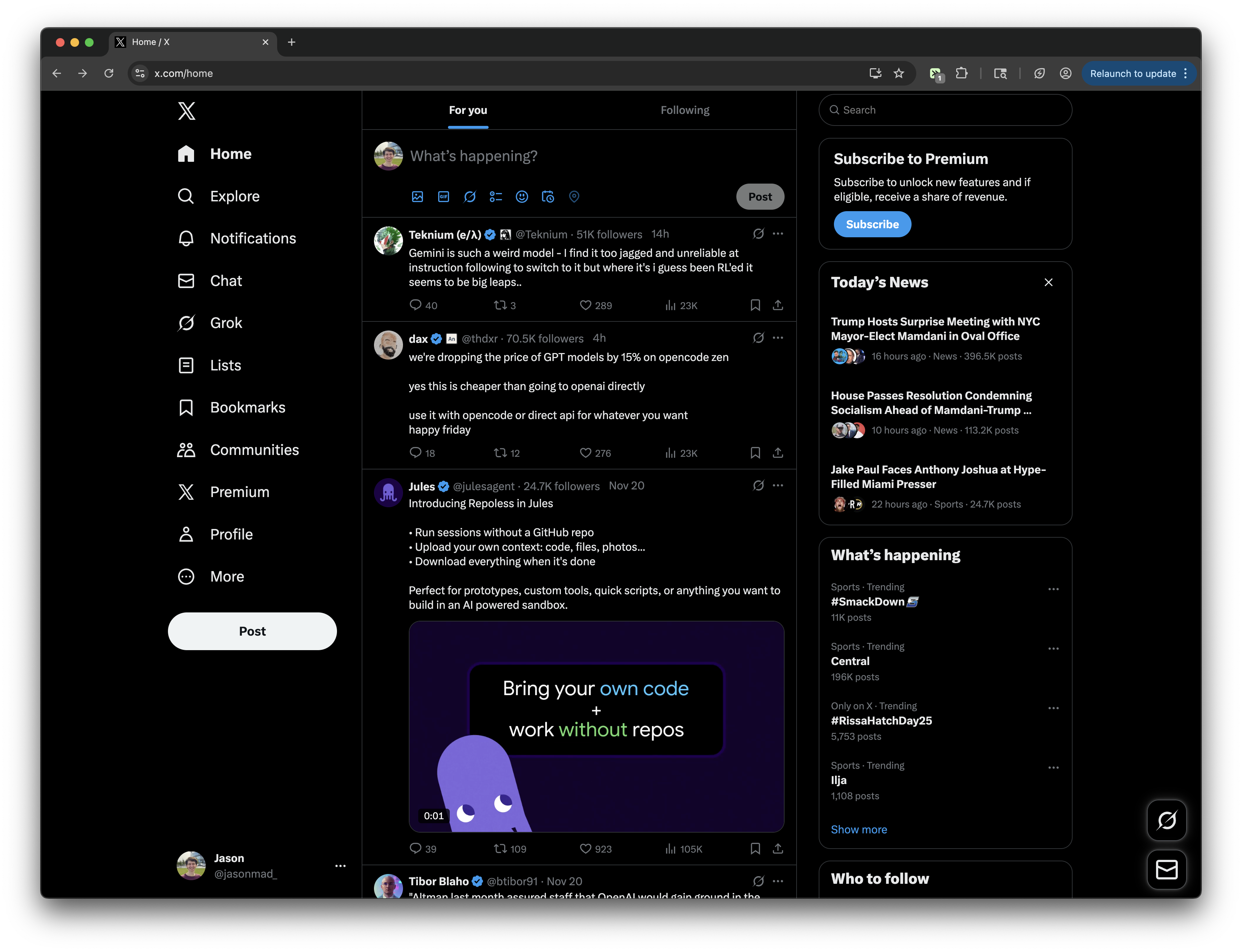
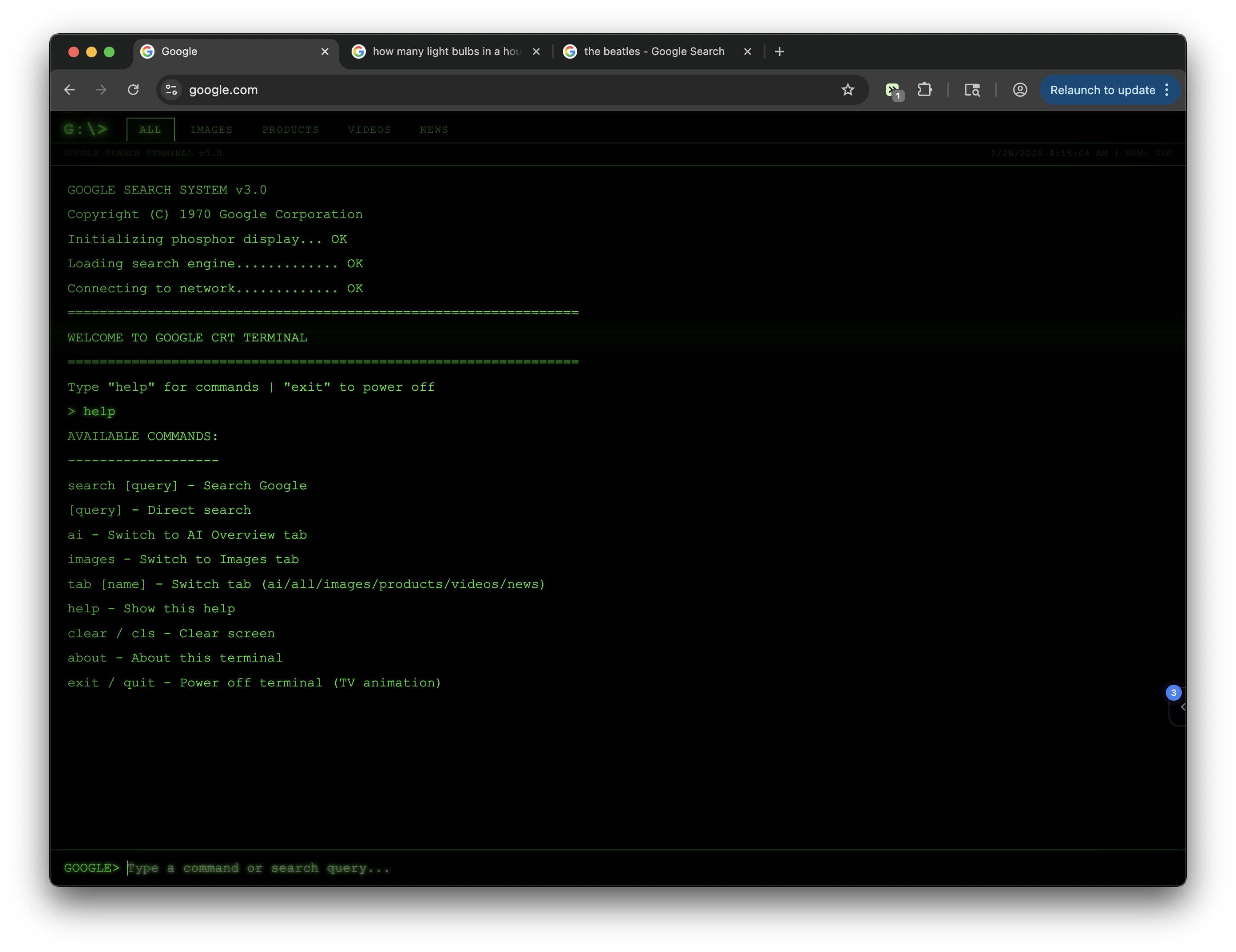
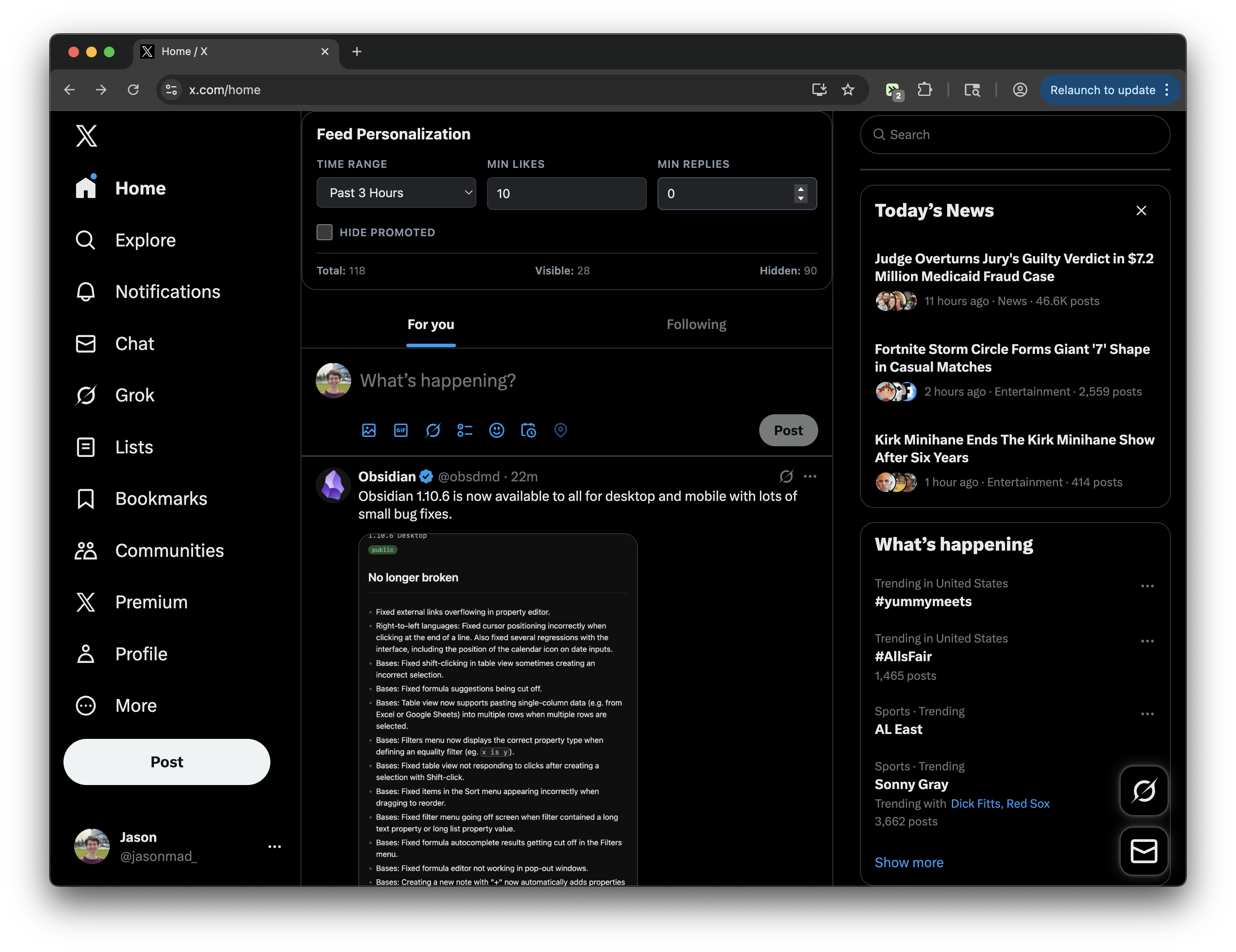
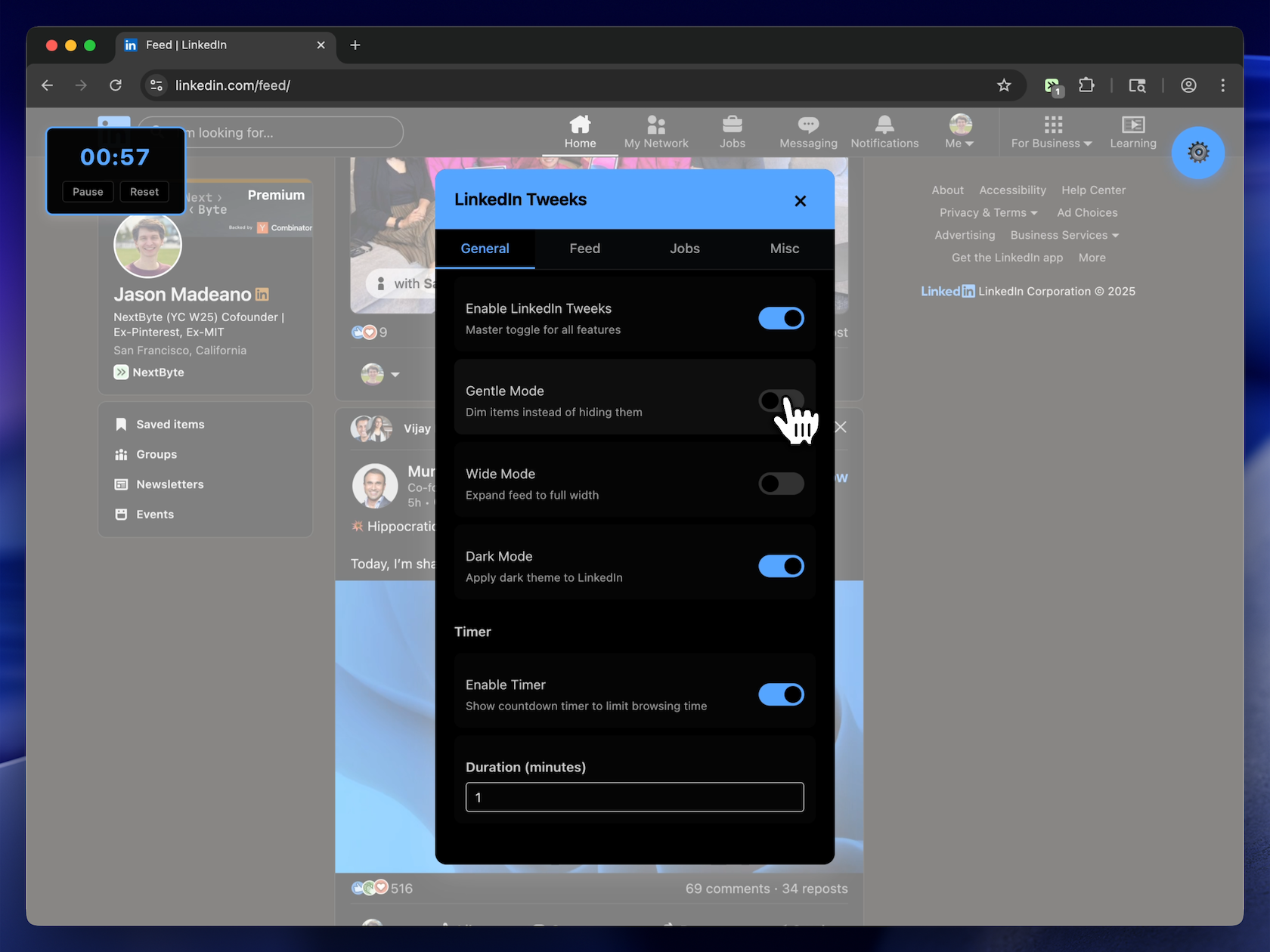
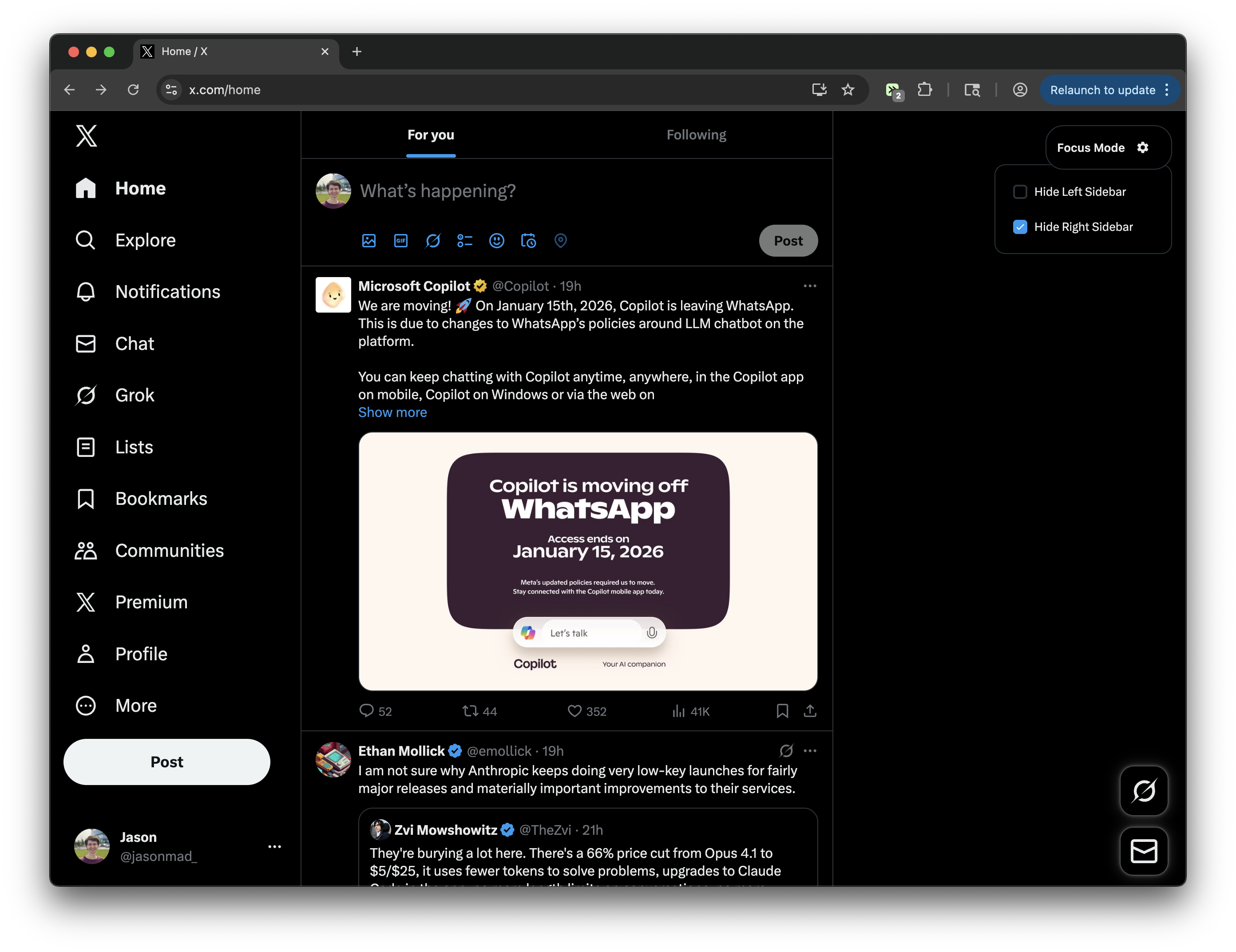
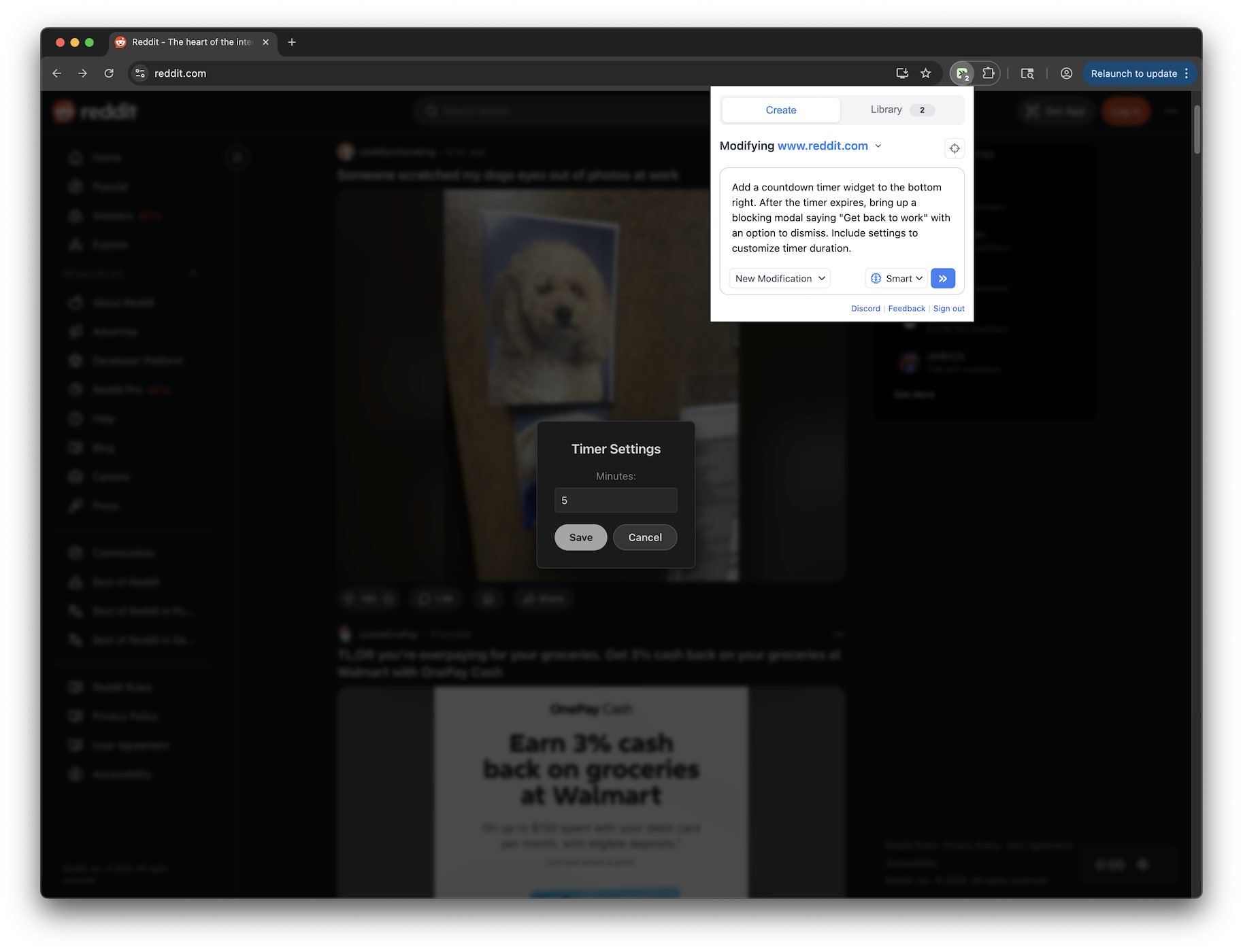
You can modify virtually any website. Popular sites include YouTube (remove Shorts, clean up the interface), Google (customize search results), LinkedIn (filter feed content), Amazon (add price tracking), Reddit (enhance readability), X/Twitter, ChatGPT, GitHub, and thousands more. If it loads in your browser, Tweeks can modify it.
Which browsers does Tweeks support?+
Tweeks supports Chrome, Edge, Brave, Opera, Vivaldi, Arc, Comet, and other Chromium browsers, as well as Firefox.
Do I need an account to use Tweeks?+
No. You can use Tweeks without logging in to browse community tweeks, install them, and enable or disable them in the extension. Creating your own tweeks from natural language does require a free account.
Is Tweeks free?+
The core Tweeks experience is designed to be useful for free. You can install the extension, browse and install public tweeks, and create your own modifications without paying.
Is Tweeks safe to use?+
Tweeks is designed to give you control over what runs in your browser. You choose which tweeks to install, which websites the extension is enabled on, and you can disable or remove any modification at any time. Tweeks also uses a three-world security model, and every public tweek has viewable source code so you can inspect what it does before installing it.
Do modifications slow down my browser?+
Tweeks are designed to be lightweight and fast, and they only run on the websites where you enable them. Performance depends on what a specific modification does, but none should significantly impact your system. If you run into any issues, submit feedback within the extension or on Discord and we'll investigate.
Can I share my modifications with others?+
Yes. Any modification you create can be published to the Tweeks public library. Other users can then discover, install, and use your modification with a single click. You get a public profile page showing all your shared modifications and their install counts.
How is Tweeks different from Tampermonkey or Greasemonkey?+
Tweeks is compatible with Greasemonkey-style userscripts, so existing scripts can work out of the box. What makes Tweeks different is the AI-powered creation: instead of writing code, you describe what you want in plain English and Tweeks generates the script. It also includes easy sharing features and a public library of community-created modifications you can install with one click.
What is the difference between "Tweeks" and "Tweaks"?+
Tweeks is the correct name of the extension and individual modifications are also called Tweeks. People sometimes search for it as "Tweaks" or "browser tweaks" because it sounds the same when spoken. If you are looking for a browser extension that lets you tweak websites like YouTube, Google, or Reddit, you are looking for Tweeks.
What websites can I modify with Tweeks?+
You can modify virtually any website. Popular sites include YouTube (remove Shorts, clean up the interface), Google (customize search results), LinkedIn (filter feed content), Amazon (add price tracking), Reddit (enhance readability), X/Twitter, ChatGPT, GitHub, and thousands more. If it loads in your browser, Tweeks can modify it.
Which browsers does Tweeks support?+
Tweeks supports Chrome, Edge, Brave, Opera, Vivaldi, Arc, Comet, and other Chromium browsers, as well as Firefox.
Do I need an account to use Tweeks?+
No. You can use Tweeks without logging in to browse community tweeks, install them, and enable or disable them in the extension. Creating your own tweeks from natural language does require a free account.
Is Tweeks free?+
The core Tweeks experience is designed to be useful for free. You can install the extension, browse and install public tweeks, and create your own modifications without paying.
Is Tweeks safe to use?+
Tweeks is designed to give you control over what runs in your browser. You choose which tweeks to install, which websites the extension is enabled on, and you can disable or remove any modification at any time. Tweeks also uses a three-world security model, and every public tweek has viewable source code so you can inspect what it does before installing it.
Do modifications slow down my browser?+
Tweeks are designed to be lightweight and fast, and they only run on the websites where you enable them. Performance depends on what a specific modification does, but none should significantly impact your system. If you run into any issues, submit feedback within the extension or on Discord and we'll investigate.
Can I share my modifications with others?+
Yes. Any modification you create can be published to the Tweeks public library. Other users can then discover, install, and use your modification with a single click. You get a public profile page showing all your shared modifications and their install counts.
How is Tweeks different from Tampermonkey or Greasemonkey?+
Tweeks is compatible with Greasemonkey-style userscripts, so existing scripts can work out of the box. What makes Tweeks different is the AI-powered creation: instead of writing code, you describe what you want in plain English and Tweeks generates the script. It also includes easy sharing features and a public library of community-created modifications you can install with one click.
What is the difference between "Tweeks" and "Tweaks"?+
Tweeks is the correct name of the extension and individual modifications are also called Tweeks. People sometimes search for it as "Tweaks" or "browser tweaks" because it sounds the same when spoken. If you are looking for a browser extension that lets you tweak websites like YouTube, Google, or Reddit, you are looking for Tweeks.